How does KnifeCenter's rewards program work?
- You're automatically enrolled in knifeREWARDS if you have a KnifeCenter.com account - no additional account setup needed.
- Earn 10 points for every $1 spent on products.
- Redeem points for Gift Cards* when you hit a point threshold - see the Benefit Levels tab for Gift Card values and point thresholds.
- Follow these steps to redeem your Gift Card:
- Go to Account > My Account at the top of the screen.
- Go to Redeem Points on the left-hand side of the screen.
- Select Choose under the gift card you wish to redeem.
- Check the box agreeing to the terms and conditions then select REDEEM NOW!
- You will receive a gift card number and a security code to your email.
When checking out online, use the gift card number and security code during the “Payment Method” section at checkout. You will click on “Apply KnifeCenter Gift Card” and two boxes will show up. You will put the Gift Card Number and Security Code in the provided boxes.
- Earn extra points on select items; see the knifeREWARDS Extra-Point Promotions section on the Earn More tab for new double-point item announcements.
- Make sure to read our Terms and Conditions regarding our policy on point awards, Gift Card redemption, points for returned items, and more.
*Please note: although points can be earned on both phone/manual and online orders, you must REDEEM POINTS FOR GIFT CARDS ONLINE (using your user ID and Password).
Earn Enough Points and We'll Give You a Gift Card!
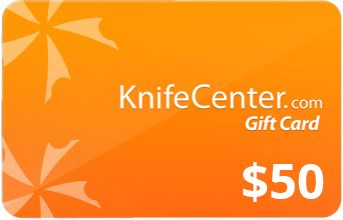
4,000 Points
($400* in purchases)
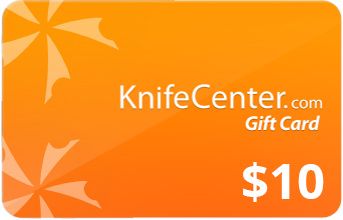
7,000 Points
($700* in purchases)
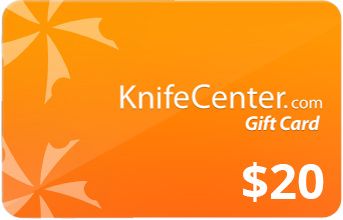
10,000 Points
($1,000* in purchases)
*Minimum purchase required will be lower with the purchase of Double Points items.
*Please note: although points can be earned on both phone/manual and online orders, you must REDEEM POINTS FOR GIFT CARDS ONLINE (using your user ID and Password).

Get Your Reward
When you have enough points to redeem for gift cards, we'll tell you.